Short-let booking and payout management
Bookings organised. The detail accounted for.
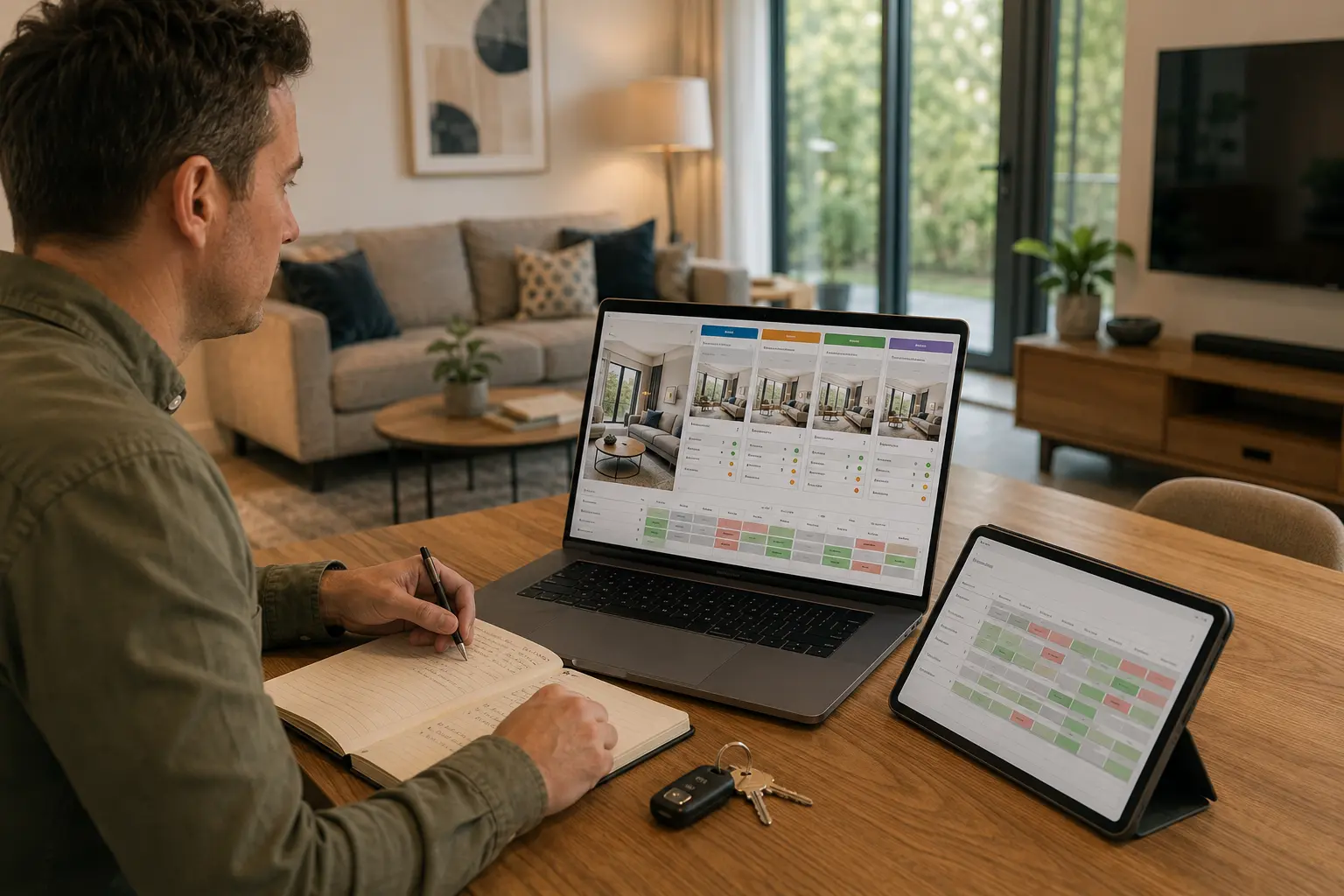
Booking management is the coordination of availability, changes and the record that follows each stay. Bookings are managed through one synchronised calendar, and bookings and statements are visible to you in the Owner Portal.

What this covers
Included on every agreement option.
The management service is identical on every plan — only the agreement term and rate change.
One synchronised calendar
Distribution and booking coordination are managed through one synchronised calendar, helping to keep availability aligned across the channels used for your property.
Changes and cancellations handled
Date changes, extensions and cancellations are dealt with as they arrive, including the knock-on effects on the changeover schedule.
Owner stays and blocked dates
Dates you want for your own use are blocked on the calendar so they are not sold while you are planning around them.
Bookings and statements you can see
The Owner Portal provides access to bookings, the property calendar and statements.
How it works
From booking to statement
The path a confirmed booking follows. Labels only — no figures are shown, because they are property-specific.
Illustrative example
An example calendar with several stays held across one synchronised set of dates.
Booking revenue and what reaches you are different numbers
Booking revenue is what guests pay for the stay. What reaches you is that figure after the components set out in your agreement: the management percentage, and the property-specific operating costs confirmed with you in writing.
Management is 20% of booking revenue on a rolling agreement, 18% for six months, or 15% for twelve months. The service is identical on each — only the term and the rate change. How pricing is set is a separate decision, covered under listings and pricing.

The calendar is where problems start or stop
Double bookings, missed changeovers and unavailable dates almost always trace back to a calendar that is not synchronised. Coordinating availability in one place is unglamorous, and it is the part of the operation owners feel most when it fails.
Statements and bookings are visible in the Owner Portal, so the record is something you can open rather than something you have to request.

The admin nobody enjoys, done consistently.
Calendars, changes, cancellations and the statement at the end. None of it is interesting, and all of it is the difference between a property that runs and a property you manage in the evenings.
- One synchronised calendar
- Changes and cancellations handled
- Your own dates protected
- Bookings and statements in the Owner Portal
Owner reviews
From Hostahome property owners.
Hear from the owners whose properties we manage.
“Working with Hostahome has been genuinely hands-off. From onboarding to day-to-day management, everything has been handled professionally. Communication is quick, and they've been proactive in dealing with any issues that come up. The property has been consistently occupied and performing well. Would definitely recommend to other landlords looking for a reliable and transparent management company.”
Review 1 of 3: Aaron L.
Questions
Bookings and payouts, answered plainly.
How are bookings kept from clashing?
What is deducted from booking revenue?
How often will I be paid?
Can I block dates for my own use?
Where do I see what a booking produced?
What happens if a guest cancels?
Explore Airbnb and short-let management in London, Manchester, Hertfordshire and Berkshire, or view all our management areas.
Read next
Related guides.
Running your property5 min read
How multi-channel distribution works beyond Airbnb
Why a property is not presented identically everywhere, and how one calendar stays accurate across several booking sources.

Costs & decisions6 min read
How much does Airbnb management cost in the UK?
How the percentage model works, why the base the percentage applies to matters as much as the rate, and what sits outside the management fee.
Next step
Let’s talk about your property.
Tell us about your home and your plans. We’ll review its suitability and explain how management would work for you. No obligation, and an honest answer if it is not the right route.